
ZArchiver
ZArchiver is a free archive manager for Android by Ant-ON for opening and creating compressed files. This page covers version 1.0.10.
5.1 MB

16.12 · Mega Limited · Page updated
MEGA is a cloud storage and file hosting service from Mega Limited. This page covers the Android app, version 16.12.
Average 0.0 · ratings: 0
Thank you! Your rating is saved; you can change it. Could not save the rating. Please try again later. Too many ratings from your network today. Please try again tomorrow. The average appears after 5 ratings.
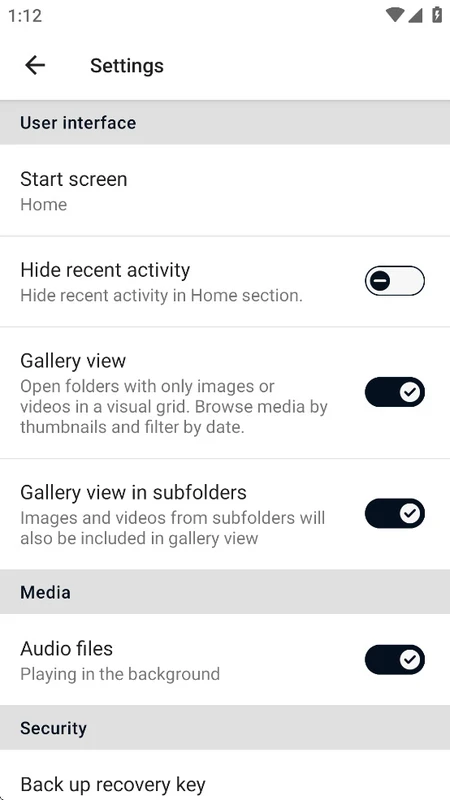
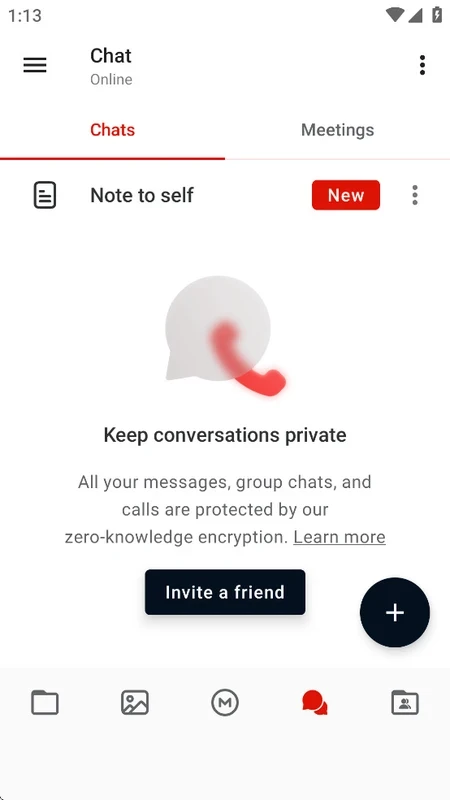
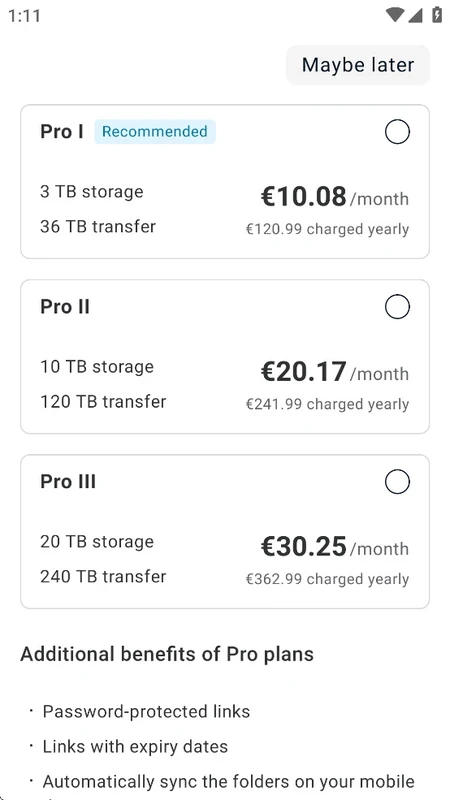
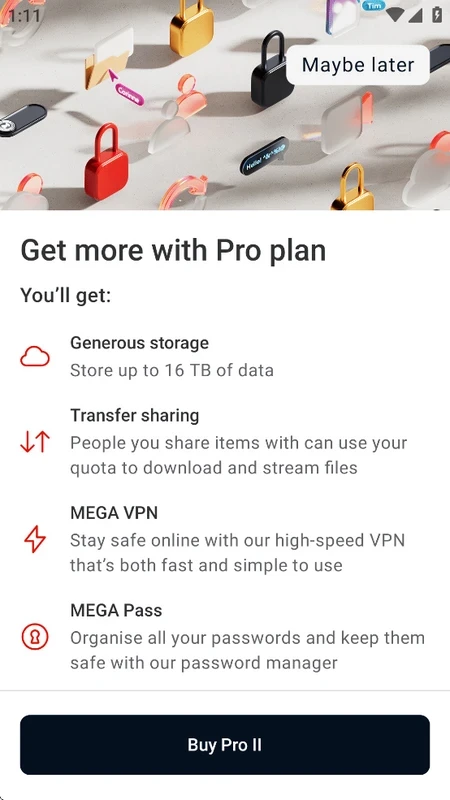
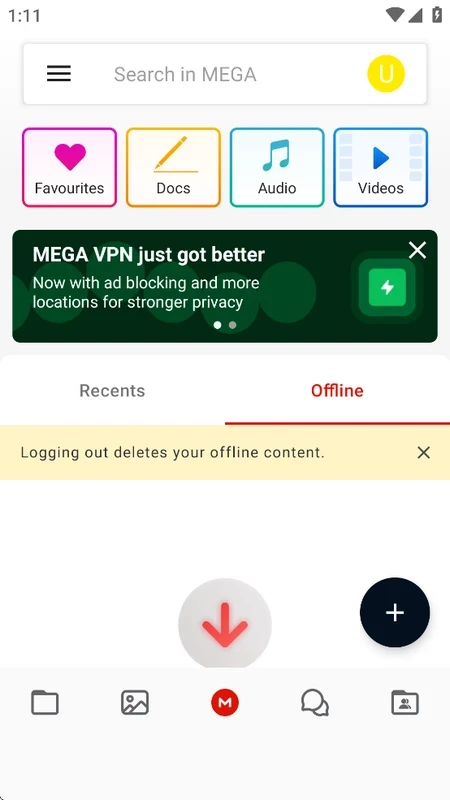
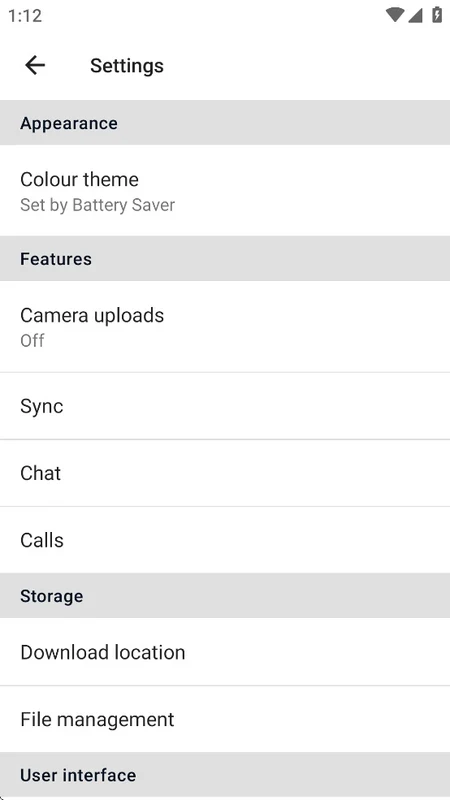
MEGA 16.12 for Android is the mobile app of the cloud storage and file hosting service run by Mega Limited. You can download it free from Google Play to store, back up and share files from your phone; here are the key facts and a quick guide.
| Item | Details |
|---|---|
| App | MEGA |
| Developer | Mega Limited |
| Version | 16.12 |
| Platform | Android; also Windows, macOS, Linux and web |
| Service launched | January 2013 |
| Client licence | open source, 2-clause BSD |
| Price | free plan, paid plans for more space |
| Size | about 291.06 MB according to catalogue data |
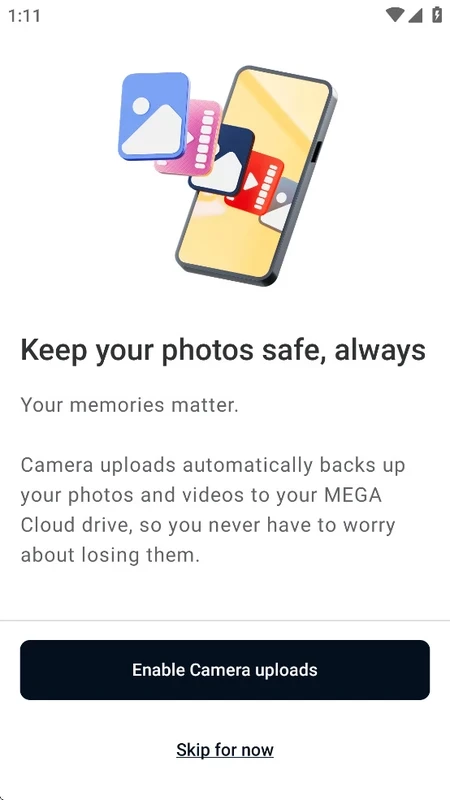
MEGA is a cloud drive: you upload files to your account and reach them from any device. The Android app can upload photos and videos from the camera automatically, so pictures are backed up without you thinking about it, and it lets you browse, download and organise everything you have stored. Sharing works through links, and you can also share folders with other MEGA users to work on the same set of files. The service was founded in January 2013 by Kim Dotcom and has always put encryption at the centre of its pitch: files are encrypted on your device before they are uploaded, which is why losing your password or recovery key can mean losing access to your data. The client apps are open source, so their code can be checked. For a phone this is a practical way to free up local storage while keeping files within reach.
The MEGA Desktop App runs on Windows 10, Windows Server 2019, macOS and major Linux distributions; see the desktop requirements and the download and install guide. For heavy syncing, MEGA recommends at least 2 GB of RAM.
Once camera uploads have finished, you can remove older photos from the phone and keep them only in the cloud. Mark the folders you need on the road as available offline, and clear the app's cache from its settings if it grows too large. Check your storage meter now and then so backups do not stop silently when the plan is full.
Other storage apps for Android in our listings: Google One, TeraBox and MediaFire. The MEGA features update post describes recent additions.
ZArchiver is a free archive manager for Android by Ant-ON for opening and creating compressed files. This page covers version 1.0.10.
Google One is Google's Android app for managing shared account storage, phone backup and paid storage plans.
RAR for Android is an archive app from Rar Lab for creating and extracting compressed files on your phone.

MediaFire for Android is the mobile app of the MediaFire file hosting service for uploading, storing and sharing files from your phone.
TeraBox for Android is Flextech's cloud storage app for backing up photos, videos and documents from your phone and accessing them later.